When I use VSCode I find it difficult to tell which tab is the active tab. I often find myself clicking on the wrong one. I realize that the active tab’s bottom line is missing, but my eyes never seem to see that.
I finally found a solution!
This is the “before” picture. The active tab is the one in the middle. I can barely tell.
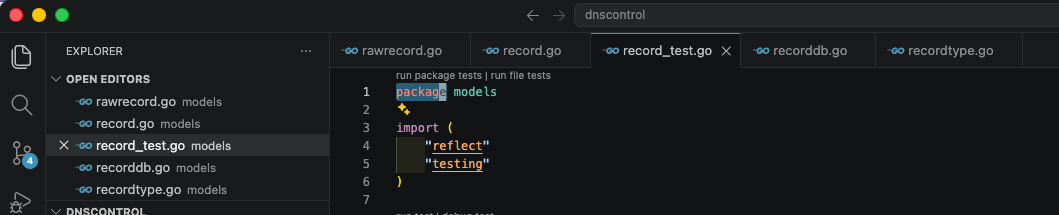
There is a setting called tab.activeBackground that sets the active tab’s color:
| |
This is the “after” version. It’s much more obvious.
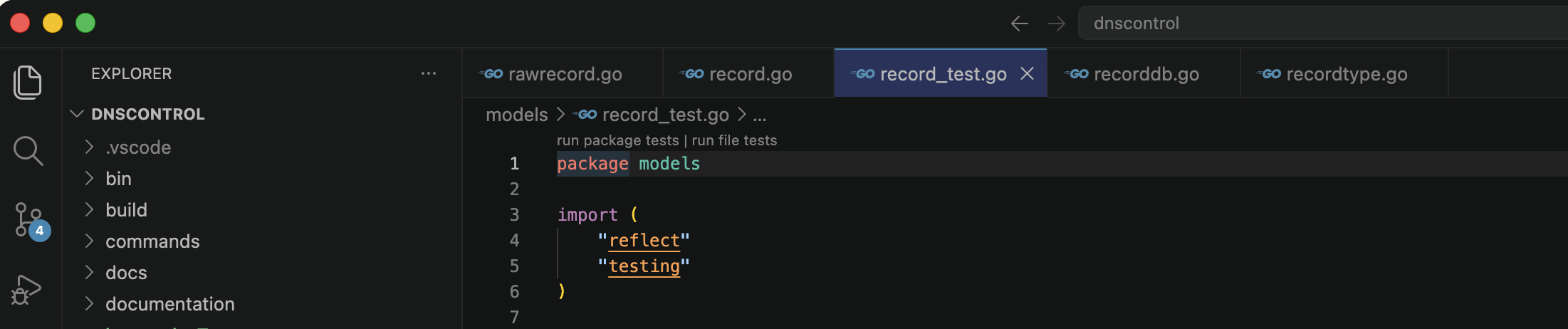
Speaking of visual issues… do yourself a favor and set "workbench.tree.indent": 40 so that
the indenting on your file tree is easier to view.